
Limit the Gear PUBG MOBILE Picks Up for You
On this page
Use PUBG MOBILE’s Pickups settings to change unwanted automatic collections. On Android, guns, attachments and health items are picked up automatically by default when you run over them. Automatic pickup settings
Choose items and their pickup limits
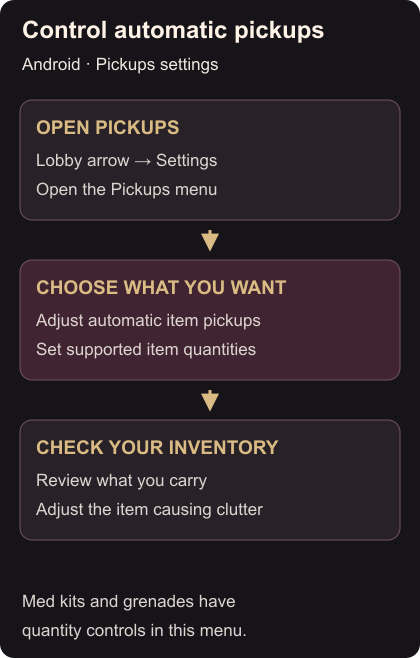
Tap the upward arrow at the bottom right of the lobby, open the gear icon for Settings, then open Pickups. Choose which items you want collected automatically. For items with quantity controls, set how many you want; med kits and grenades are examples. Pickups menu
Start with the item that keeps crowding your inventory. Change its available pickup setting or quantity, and read the displayed choice before leaving. You can then judge that change without having to untangle several new preferences at once.
Check what you actually carry
In your next play session, look at the inventory after looting and check the item you changed. If unwanted supplies still take up space, look at the other pickup categories and the other gear you are carrying. A limit for one item does not reserve room for everything you may find later.
If repeated wrong taps are the problem, move your touch controls. For aiming that feels wrong with a particular gun, add a weapon-specific sensitivity.