
Find a Group for Your Chosen Activity
On this page
Use Diablo IV’s Party Finder to join players working on the same activity. This guide covers the PC interface with a character that can join multiplayer parties.
Search for the run you want
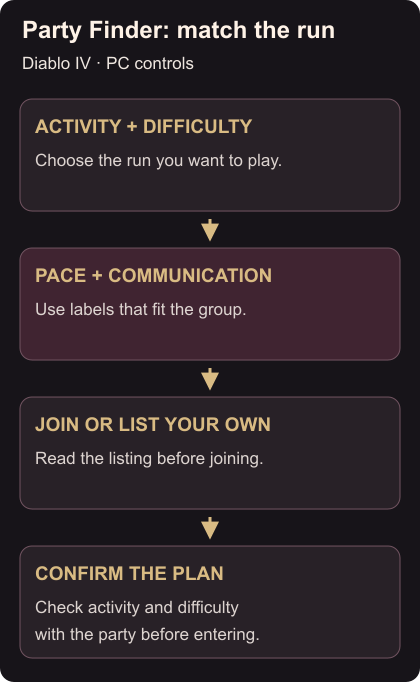
Open Party Finder through the in-game menu. You can find a party or list your own, with preferences for the activity and how the group wants to play. Party Finder access
Use Advanced Search to narrow the activity, difficulty and labels. Look for First Time when learning an activity, or voice/text preferences that suit you. Search controls
Read the listing before joining. Keep the difficulty within what you can play and choose a pace you want to follow. If the results are empty, loosen a pace or communication preference before changing the activity you came for.
Join or list your own group
After a successful join, Party Finder closes. Joining behavior Check who’s in your party and confirm the activity and difficulty with them before entering.
If no listing suits you, list your own group. Choose the activity and difficulty, add labels that describe your run, then list it. Use First Time when you’re learning rather than advertising a fast clear.
The listing automatically reappears if the party leader or difficulty changes, so check that it still describes the run everyone agreed on. Listing behavior
Load the intended build with the Armory guide before setting out. Use a loot-filter rarity highlight if you want a chosen type of gear text to stand out during the run.