
Place a Lumber Camp Near the Trees You Want Cleared
On this page
Place your existing Lumber Camp beside the patch you want opened next. This guide covers Daybreak Island in Whiteout Survival, available through the dock from Furnace Level 19. Island access
Put the camp beside the forest
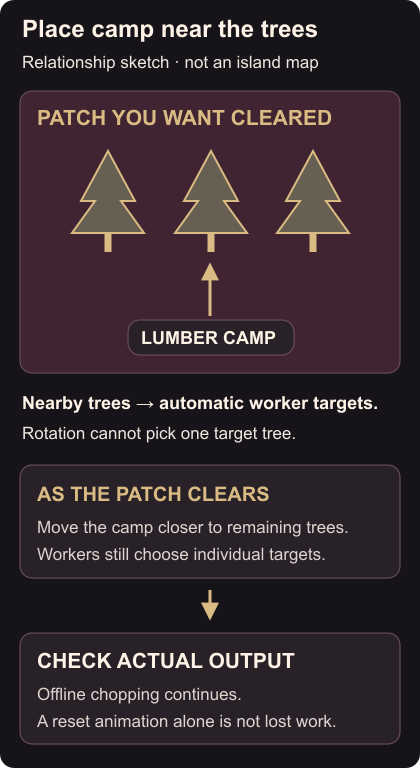
Find the group of trees you want cleared and place the camp nearby. Workers choose their own targets and start with nearby trees; rotating the camp doesn’t let you aim them at one particular tree. Worker targeting
Watch which nearby trees they begin clearing. As that patch opens up, move the camp closer to the remaining forest. You choose where the camp sits, while the workers choose their individual targets.
Upgrading a camp improves clearing speed. The Lumber Camp Type Limit is two, so more copies aren’t a way around that cap. Camp upgrades and limit
Check clearing after you return
Camps keep chopping while you’re offline. Lumber efficiency increases while you’re viewing the Daybreak Island screen; simply being elsewhere in the game isn’t that condition. Offline work, island-screen efficiency, online condition
On returning, check cleared trees and actual output. Workers appearing back at the camp doesn’t by itself mean progress was lost: the offline calculation and on-screen animation work differently. Worker reset
If every tree has been cleared, the camps become normal decorations and stop producing Life Essence. The Timbermill awarded for clearing the island supplies Life Essence after that. After the last tree
If rearranging the island changes your bonuses, check decoration Type Limits and stored pieces. Before accepting pet stat changes, use the refinement result check.