
Set Up and Switch Two Weapon Loadouts on Xbox
On this page
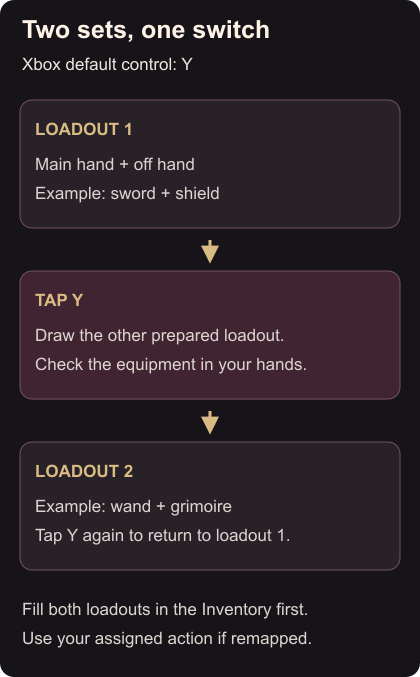
Prepare two weapon loadouts so you can change your equipment during a fight with Y. This guide uses Avowed’s default Xbox Series X|S controls.
Fill both loadouts
Open your Inventory and find the two weapon loadouts. Each has a main-hand and an off-hand slot. Equip the first set, then fill the second with the alternative you want to use. Loadout slots
For a clear starting comparison, try a sword with a shield in one loadout and a wand with a grimoire in the other, using items you already own. Avowed lets you combine one-handed weapons and off-hand equipment; a grimoire gives access to its spells without requiring a dedicated wizard build. Equipment combinations
Switch and check the result
Close the Inventory and tap Y once. Check the weapons now in your hands. Tap Y again to return to the first set. You can make this switch during combat as well. Xbox weapon swapping
Try that outside a fight first. If a set looks wrong, reopen the Inventory and inspect that loadout’s two slots. If Y does something else, use the weapon-switch action assigned by your controller bindings.
Improve a preferred piece with the workbench upgrade steps, then check the other loadout before spending the remaining materials. If you want less material collection, custom upgrade costs explain the setting and its achievement restriction.