
Give Sprint and Dodge Separate Keys in AI Limit
On this page
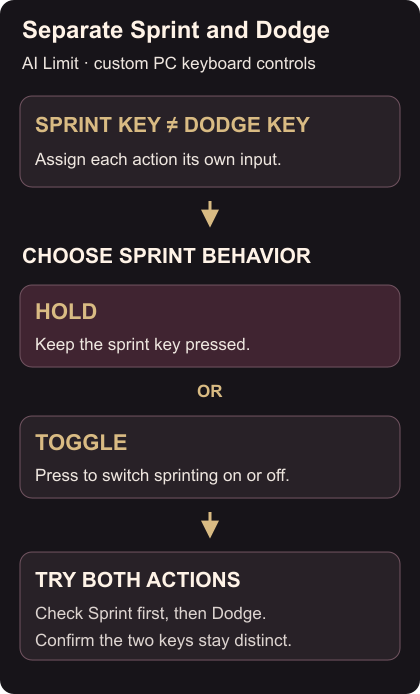
Give Sprint and Dodge separate keys in AI Limit on PC if a shared input feels awkward. The custom keybinding options support separate mappings, with hold or toggle behavior for Sprint once the actions are separated. Publisher keybinding details
Assign the two actions
- Open the game’s keybinding controls from its settings.
- Assign Sprint to a key you can reach while moving.
- Assign Dodge to a different key. Check both displayed bindings before leaving the menu.
- Choose Sprint’s hold option if you want to keep the key down while sprinting, or toggle if you prefer a press to switch sprinting on and off.
Use keys that fit the rest of your layout. A convenient sprint key becomes less useful if it forces you to release the movement direction you need.
Check it in a clear space
Move forward and use Sprint, then stop and try Dodge separately. Confirm that each key performs its intended action and that Sprint uses your chosen hold or toggle behavior.
If both actions still seem tied to the old key, return to the bindings and read what is assigned to each action. If the separate options are missing, install the available game update.
Keep the nearby controls clear too: switch equipped spells and read collectibles with the modifier shortcut.