
Edit One Combat Sequence and Its Alternative Attack
On this page
Change one part of your Absolver deck at a time so you can follow where each punch or kick leaves you. You’ll need an unlocked attack that fits the slot you want to replace. These controls use the default PS4 layout.
Replace a move in Meditation
Open Meditation and the Combat Deck editor. Select your unarmed deck, then a sequence slot. Choose a learned attack the editor allows in that position. If the move you want is still locked, learn it through defence first.
Read the stance icons on both sides of the move: its starting stance is on the left and its ending stance is on the right. Replacing a move can change which attack is allowed next, so look through the rest of that sequence before leaving the editor. A later slot may need replacing too.
Each of the four stances has a sequence and one alternative attack. Sequence capacity grows as you level, up to three attacks per stance; use the slots you already have. An alternative must change your stance.
Follow the next input
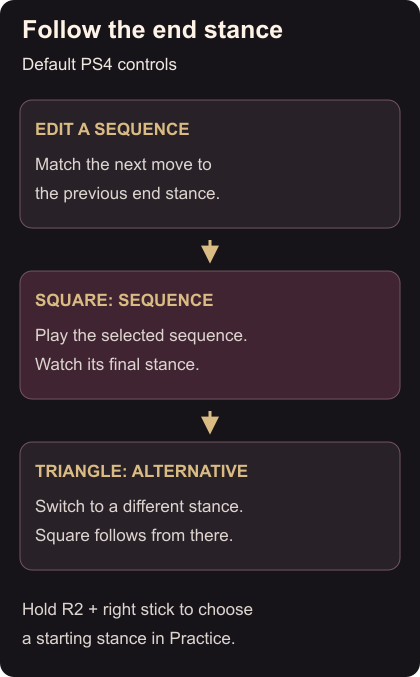
Enter Practice. Hold R2 and move the right stick to choose the starting stance. Tap Square through the sequence, watching the stance you finish in. The next sequence comes from that ending stance. A sequence that finishes where it began can repeat.
Return to the starting stance, begin again, then use Triangle for the alternative. Check the new stance before pressing Square. You should now be able to name which sequence will play next, without guessing from the animation.
If your replacement sends you somewhere unexpected, reopen the editor and trace the end icons. Keep that route if it is useful; otherwise choose a different legal move. With Windfall equipped, remember that right-stick Avoid is a separate input from holding R2 to change stance.